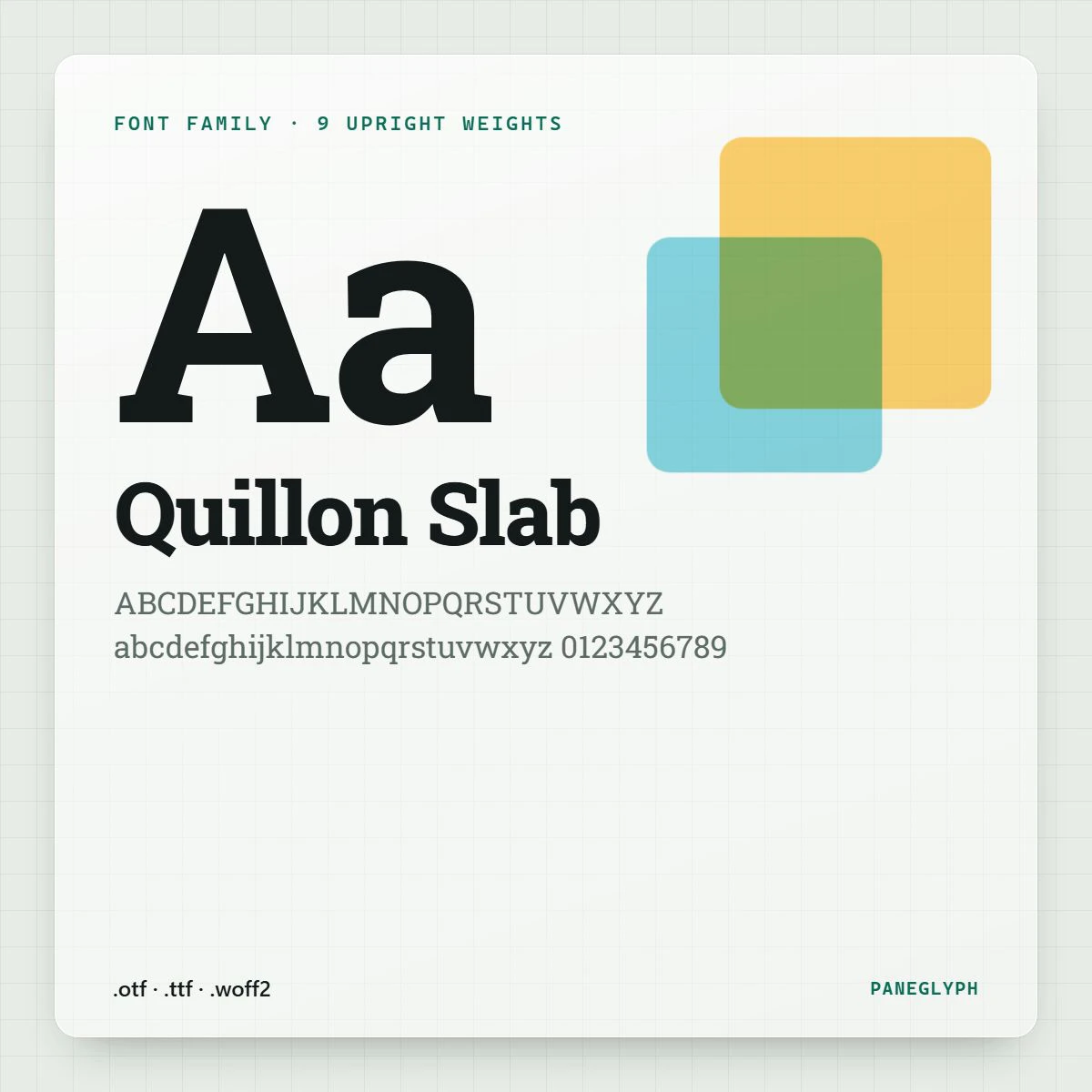
HomeJournal Journal How to install a font on desktop and phone 11 November 20261 min read Unzip, open, install. Unzip the download. On a desktop, open the .otf or .ttf file and choose install; on a phone, use a font manager app that installs .ttf files. Use the .woff2 files only on websites. If a font does not show up, restart the app you are designing in. Share
Journal14 Nov 20261 min read Presets: what they can and cannot do A starting point, not a magic button.